
Best MCP for Crypto Trading in 2026: 12 Servers Compared
Which crypto MCP server should your AI agent use? A category-by-category comparison of CoinGecko, altFINS, Nansen, Hummingbot, CCXT, Hyperliquid and TraderSpy.
Two years ago, connecting an AI assistant to live crypto data meant writing your own integration. Today there are dozens of Model Context Protocol servers competing for the same slot in your Claude or ChatGPT config, and the honest answer to “which is best” is that it depends on one question you should answer before you look at a single feature list: do you want the agent to see your money, or to move it?
This guide compares the crypto MCP servers that actually matter in August 2026 — what each one does well, where each falls short, and how to combine two or three into a stack that covers research, positioning and execution without handing an autonomous agent the keys to your account.
What an MCP Server Actually Is
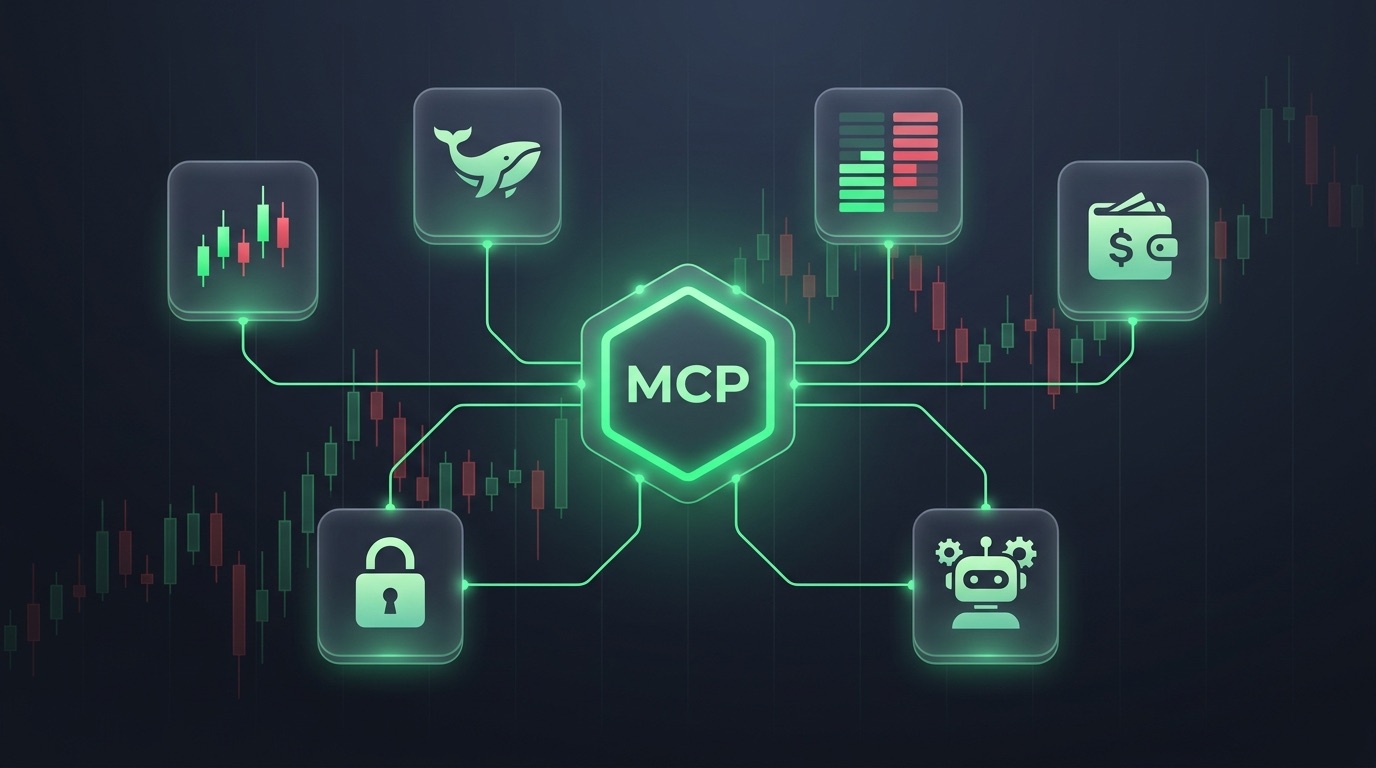
The Model Context Protocol is an open standard that lets an AI assistant call external tools. An MCP server exposes typed functions — get_price, get_candles, place_order — and the model decides which to call when you ask a question.
That is the whole idea, and it is why the category exploded. One server works across Claude, Claude Code, ChatGPT, Grok, Cursor, VS Code and any agent framework that speaks the protocol. You are not buying an integration; you are buying a data layer that survives whichever model wins.
For a deeper primer on the protocol and how to connect it, see our crypto MCP server guide.
The Five Categories
Almost every crypto MCP server falls into one of these buckets. Knowing which bucket you are shopping in eliminates 80% of the noise:
- Market data — prices, candles, coin metadata, exchange listings
- Analytics and signals — pre-computed indicators, screeners, trade setups
- On-chain intelligence — wallet labels, flows, DEX liquidity, token holders
- Derivatives and smart money — perpetual futures positioning, leaderboards, funding
- Execution — servers that can place, modify and cancel real orders
No single server covers all five well. The ones that claim to are usually thin in three of them.
Category 1: Market Data Servers
These are the commodity layer — cheap, broad, and interchangeable. Pick one and stop thinking about it.
CoinGecko MCP is the default. A hosted, no-authentication remote server covering 15,000+ coins and 1,000+ venues, plus DEX pools and NFT collections. The free tier shares rate limits with everyone else; an API key raises them and unlocks premium endpoints. Its weakness is depth: it will tell you what BTC costs and what its market cap is, but it computes no technical analysis and knows nothing about derivatives positioning.
CoinPaprika and DexPaprika ship as official Claude Code plugins — 31 and 17 tools respectively, no API key required to start, with a genuinely generous free tier and coverage across 36 blockchains. If you work primarily in Claude Code, the plugin install is a single command and the DeFi pool data is better than CoinGecko’s.
Crypto.com MCP is free, keyless, and officially maintained, supporting both ChatGPT and Claude. It is the safest possible starting point and also the shallowest — prices, market caps, volumes, nothing more.
Cryptohopper Market Data MCP leans trader-side: live orderbooks, bid/ask depth and candles across major centralized exchanges, with a free tier around 6,000 calls per week on three exchanges. Fewer venues than CoinGecko, but orderbook depth that CoinGecko does not expose. Cryptohopper has said an execution MCP is on its roadmap.
Verdict: take the free one that matches your host. This layer is not where your edge comes from.
Category 2: Analytics and Signal Servers
Here the servers start to differ meaningfully, because they ship opinions rather than raw numbers.
altFINS MCP is the most complete pure-analytics offering: 150+ indicators, roughly 130 standardized signals, candlestick pattern detection, analyst trade setups on BTC and 50+ altcoins, and seven years of history. Free tier is 1,000 monthly credits; paid plans scale to enterprise. The trade-off is that everything is packaged — you get altFINS’ signal definitions, not yours — and it is spot- and screener-oriented rather than derivatives-native.
Community signal servers such as Crypto Quant Signal MCP or the various Trading Signals MCPs fuse momentum, funding and open interest into a single BUY/SELL/HOLD verdict with a confidence score. They are cheap or free and often genuinely clever, but most are single-maintainer projects with no published track record. Treat an unaudited confidence score as a hypothesis, not an edge.
The question to ask any signal server: can it tell you what happened to its previous signals? A server that publishes calls but cannot report win rate, average R, or how often a stop was hit first is selling you conviction without accountability.
Category 3: On-Chain Intelligence
Nansen MCP is the institutional benchmark. Wallet labeling across millions of addresses, Smart Money flows on 18+ chains, token screening, DEX trade streams, and — increasingly relevant — Hyperliquid perpetual positions. If your thesis depends on knowing which labeled wallet is accumulating, nothing else is close.
The catch is scope and price. Nansen is built for on-chain research, so it answers “who is buying this token” far better than “is this 4-hour setup a continuation or a reversal”, and the pricing reflects an institutional buyer.
DexPaprika MCP is the free counterweight: liquidity pools, TVL and cross-chain comparisons across millions of tokens. No execution, no CEX coverage, but hard to beat at zero cost.
Category 4: Derivatives and Smart Money
This is the thinnest category, and the one that matters most if you trade perpetual futures rather than spot.
Almost all of the servers above are spot-first. They can tell you the price of SOL; they cannot tell you that eight of the ten best-performing traders on Hyperliquid opened longs at that level, that funding flipped negative while open interest rose, or which side is crowded.
TraderSpy’s MCP server is built for exactly this gap. It exposes 15 read-only tools:
- AI signals —
get_signals,get_signal_details,get_signal_stats: validated long/short setups with entry, laddered take-profits, stop loss, and historical hit rates. The stats tool is the point: your agent can check how a signal family has actually performed before it argues for one. - Smart money —
get_top_traders,get_elite_leaderboard,get_trader_profile,get_trader_position_history,get_positions: live positioning of top-performing traders across Binance, Bybit, Hyperliquid and OKX, ranked by a weighted SmartScore rather than a single lucky month. - Market data —
get_price,get_candles,get_technical_indicators,get_market_stats,get_tracked_symbols,get_exchanges: 13 indicators computed server-side across multiple timeframes on 300+ futures pairs. - Your own account —
get_my_account: your Hyperliquid balance, open positions, unrealized PnL and liquidation distance.
Two things are unusual here. First, in hosts that support MCP Apps, get_signals and get_signal_details render as interactive cards and price charts with entry, stop and level-hit markers drawn on them — not a wall of JSON. Very few crypto MCP servers ship a UI at all. Second, every tool is read-only, which is a deliberate design decision covered below.
Category 5: Execution Servers
If you want an agent that actually trades, these are your options — and your risk.
CCXT MCP wraps 100+ exchanges behind one unified interface. Open source, free, maximum coverage, no analytics whatsoever. You bring your own API keys and inherit every per-exchange quirk.
Hummingbot MCP brings a mature algorithmic stack — market making, cross-exchange arbitrage, grid, DCA, perpetual strategies — across 140+ venues. Free and open source, weak on analysis.
Binance MCP community servers expose 17+ trading tools with full futures order types and testnet support. Deep on one venue, useless off it.
Hyperliquid MCP servers (several competing community implementations) cover orders, positions, vaults and bracket orders with proper EIP-712 signing, and support agent-wallet mode so an API wallet signs while your main account stays cold. That agent-wallet pattern is the single best security idea in this category.
Alpaca MCP offers native, regulated execution for US users across crypto and equities — the compliance story is the product, the geographic restriction is the cost.
Swap-focused servers like Rubic and Xgram handle cross-chain DeFi swaps with simulate-first flows, and Coinbase Agentic Wallets (launched February 2026) go furthest of all: agents that independently hold funds and transact on-chain with policy guardrails.
The Comparison at a Glance
| Server | Best for | Executes trades | Free tier | Main limitation |
|---|---|---|---|---|
| CoinGecko MCP | Broad coin coverage | No | Yes, keyless | No technical analysis |
| CoinPaprika / DexPaprika | Claude Code + DeFi pools | No | Yes, generous | Spot and on-chain only |
| Crypto.com MCP | Simplest setup | No | Yes, keyless | Prices only |
| Cryptohopper MCP | Orderbook depth | Not yet | ~6k calls/week | Few exchanges |
| altFINS MCP | Indicators and screeners | No | 1,000 credits/mo | Packaged signals, spot-first |
| Nansen MCP | On-chain smart money | No | No | Institutional pricing |
| TraderSpy MCP | Perp signals + smart money | No, by design | Yes, small quota | Futures only, no on-chain |
| CCXT MCP | Any exchange | Yes | Open source | No analytics, your keys |
| Hummingbot MCP | Algo strategies | Yes | Open source | Minimal analysis |
| Binance / Hyperliquid MCPs | Single-venue trading | Yes | Open source | Private keys in your config |
| Alpaca MCP | Regulated US execution | Yes | Brokerage account | US only |
| Coinbase Agentic Wallets | Autonomous on-chain agents | Yes | No | Agent custodies funds |
Why Read-Only Is a Feature, Not a Gap
The fastest-growing risk in this ecosystem is not a bad price feed. It is indirect prompt injection and tool poisoning: an attacker plants instructions inside content your agent reads — a web page, a tool description, a document — and the model, which cannot reliably distinguish data from commands, acts on them.
OWASP now publishes an MCP security cheat sheet for this. Academic threat models have been written about it. And the consequences scale exactly with what your tools can do:
- On a read-only server, the worst case is a bad answer in a chat window. You read it, disagree, and move on.
- On an execution server holding your API keys or a hot private key, the worst case is an order you did not authorize — or a wallet drained by a tool call the model was tricked into making.
That asymmetry is why TraderSpy ships no order tools and no withdrawal tools on its MCP connector at all. Not disabled behind a flag the model could flip — absent from the tool list entirely. The connector answers questions; you place the trade yourself in the app or on your exchange, where a human intent still stands between the thesis and the fill.
If you do want agentic execution, the mitigation is structural, not verbal:
- Use an agent wallet or sub-account with only the capital you would accept losing, never your main keys.
- Prefer servers with simulate-first flows that show you the transaction before signing.
- Keep execution in a separate session from any agent that browses the open web.
- Cap size and leverage at the server, not in the prompt. Prompts are suggestions; server-side limits are not.
Building a Two-Server Stack
Serious setups almost always run more than one MCP. The most common combinations:
Perp trader: TraderSpy (signals, smart money, indicators, own account) + CoinGecko (long-tail coin coverage). Research and positioning are covered; execution stays manual.
On-chain researcher: Nansen (wallet labels and flows) + DexPaprika (pools and liquidity). Add TraderSpy if you want to see whether perp traders confirm what wallets are doing.
Automation builder: CCXT or Hummingbot (execution) + altFINS or TraderSpy (the analysis layer that decides what to execute). Keep them in separate agent contexts.
The failure mode to avoid is installing six servers and giving one model access to all of them. Every additional tool is additional surface for a poisoned description, and more tools measurably degrades tool-selection accuracy.
Prompts That Justify the Setup
The value shows up in compound questions that used to require four browser tabs:
- “Pull 4h candles, RSI and MACD for ETHUSDT, then check whether elite traders are positioned with or against that setup.”
- “List today’s AI signals and, for each one, tell me the historical hit rate of that signal type before you rank them.”
- “Show my open positions and flag anything within 15% of liquidation.”
- “Compare open interest and funding on SOLUSDT versus BTCUSDT and tell me where a squeeze is more likely.”
- “Which coins are both trending on-chain and crowded on perps right now?”
Each answer is grounded in tool calls you can inspect, and each one is a research task — not an order.
Getting Started
Pick your bucket first. If you trade spot and want breadth, start with a free market-data server and stop there. If you research on-chain, Nansen earns its price. If you trade perpetual futures, the derivatives and smart-money layer is where the missing information lives — and it is the layer almost every other server skips.
Connect TraderSpy’s MCP in under two minutes: generate a personal key, paste one URL into Claude, ChatGPT, Grok, Claude Code or Cursor, and ask your first question that gets answered with live data instead of training data.
The models stopped being the bottleneck a while ago. Choose your data layer deliberately, and decide on purpose how much of your account it is allowed to touch.